
Help & Answers
Frequently Asked Questions
Find clear answers to common questions about SaifCast video scheduling, live streaming, billing, and account limits.
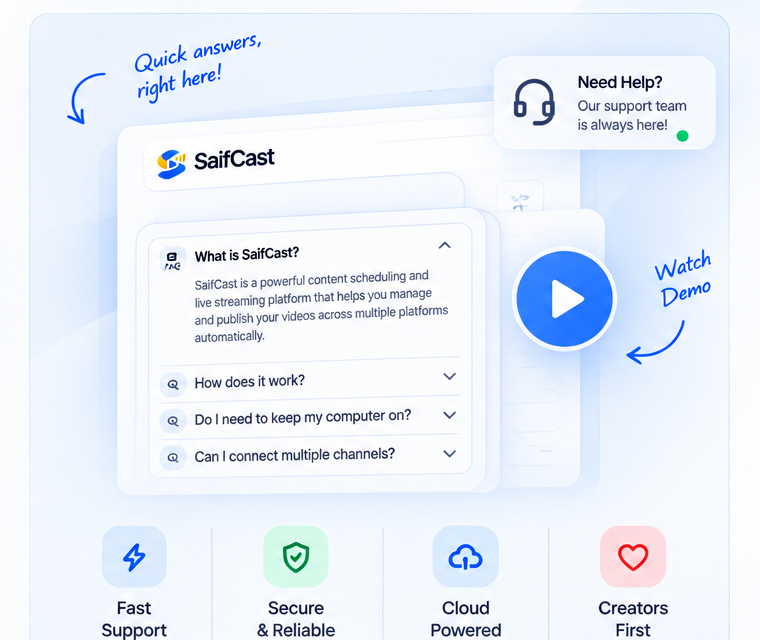
SaifCast is a cloud automation platform that uploads your videos to YouTube on a schedule you set. It also turns pre-recorded videos into YouTube live streams. It runs entirely in the cloud, so your computer does not need to stay on.
Currently SaifCast publishes to YouTube only. Support for Facebook, Instagram and TikTok is in development and will be announced when available.
Yes. The Free plan lets you schedule video uploads to YouTube with included cloud storage. Videos on the Free plan include a SaifCast watermark. No credit card is required. Plan limits depend on your plan — see Pricing.
On the Free plan, SaifCast adds a small watermark to your published videos indicating they were uploaded with SaifCast. The watermark is removed on all paid plans (Basic and above).
You can set a schedule to repeat daily, weekly, or on a custom interval. Each time it runs, SaifCast picks the next item in your assigned playlist, or replays the same video. You can use variables like {episode}, {date}, and {week} in the title and description and they are automatically filled in on each run.
A Video plan lets you schedule timed video uploads to YouTube. A Live plan lets you run pre-recorded videos as YouTube live broadcasts (loop, playlist, or scheduled). A Combo plan combines both features at a discounted rate — see Pricing.
Yes. Paid plans support multiple channels. The exact number depends on your plan — see Pricing.
SaifCast logs every attempt in Upload History with the exact error reason. You can see it in Dashboard → History and click Retry to try again immediately.
Videos you upload to your SaifCast media library are stored in secure cloud storage. They remain until you delete them or close your account.
No. SaifCast only uploads content to YouTube. It never deletes videos, playlists, or broadcasts from your YouTube channel.
SaifCast connects using official Google permissions to upload and schedule your videos, read your channel name, ID and avatar, and create and manage live broadcasts. SaifCast never asks for or accesses your personal passwords or unrelated Google data.
Go to Dashboard → Billing and choose Cancel or change your plan. Your current features remain active until the end of your prepaid billing period.
Payment is by bank transfer, JazzCash, and EasyPaisa. Card payments are coming soon.
24/7 streams are included in the Enterprise live plans, and available as an add-on on other live plans. They allow your pre-recorded video or playlist to stream continuously to YouTube with automatic loop and recovery.
Yes. How far ahead you can schedule depends on your plan — see Pricing.
Still have questions?
Contact our support team or try SaifCast free without a credit card.